Product walkthrough · 04 November 2026
See the worklist.
Understand the evidence.
CashCrop turns authorized Dutchie POS data into operational reports, an inventory opportunity worklist, supporting calculations, and modeled next actions. This presentation records the public demonstration interface with invented example data. It is not an authenticated MCP tool execution or a real customer account.
Screenshots
The experience, step by step
These stills are from the published public demo, with a local text-contrast correction applied for legibility. All financial figures in the demo are illustrative. They are not results from a live tenant.

01 — Ask a business questionPrompts such as margin losses, stock decisions, and operational changes.
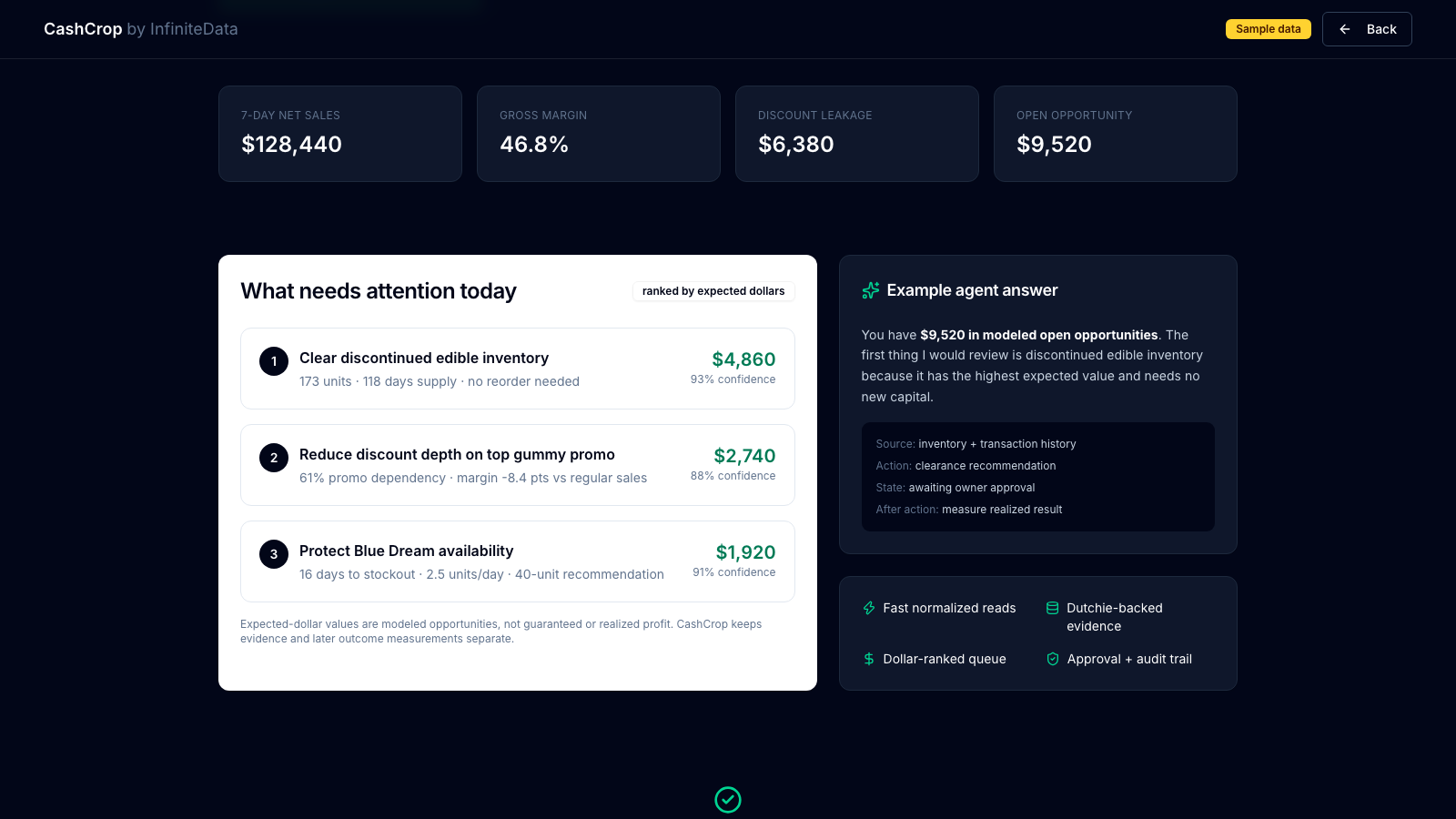
02 — See operating metricsSeven-day sales, margin context, and ranked opportunities using example values.
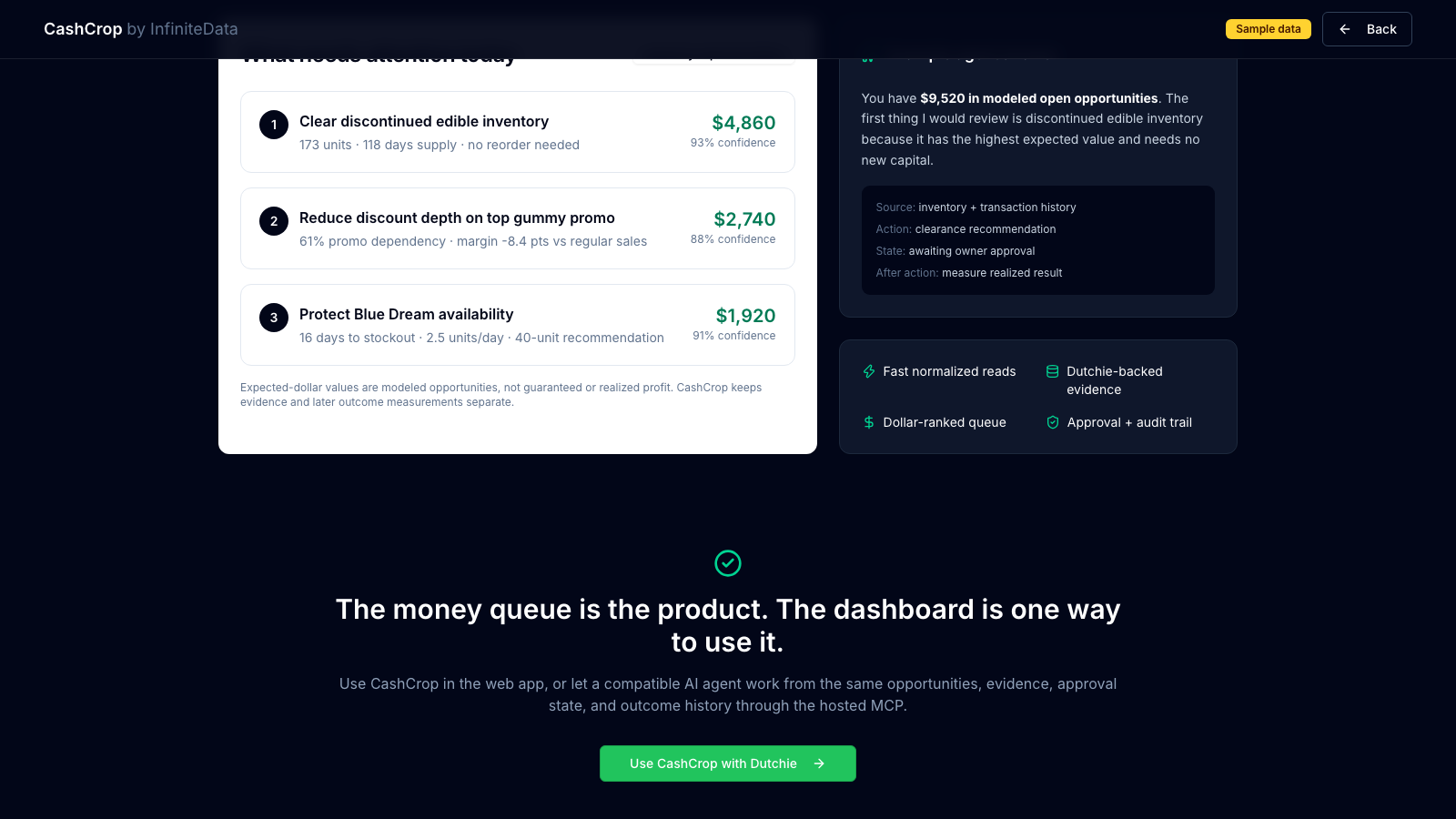
03 — Inspect the evidenceModeled dollar impact, inventory context, confidence, and an example agent explanation.
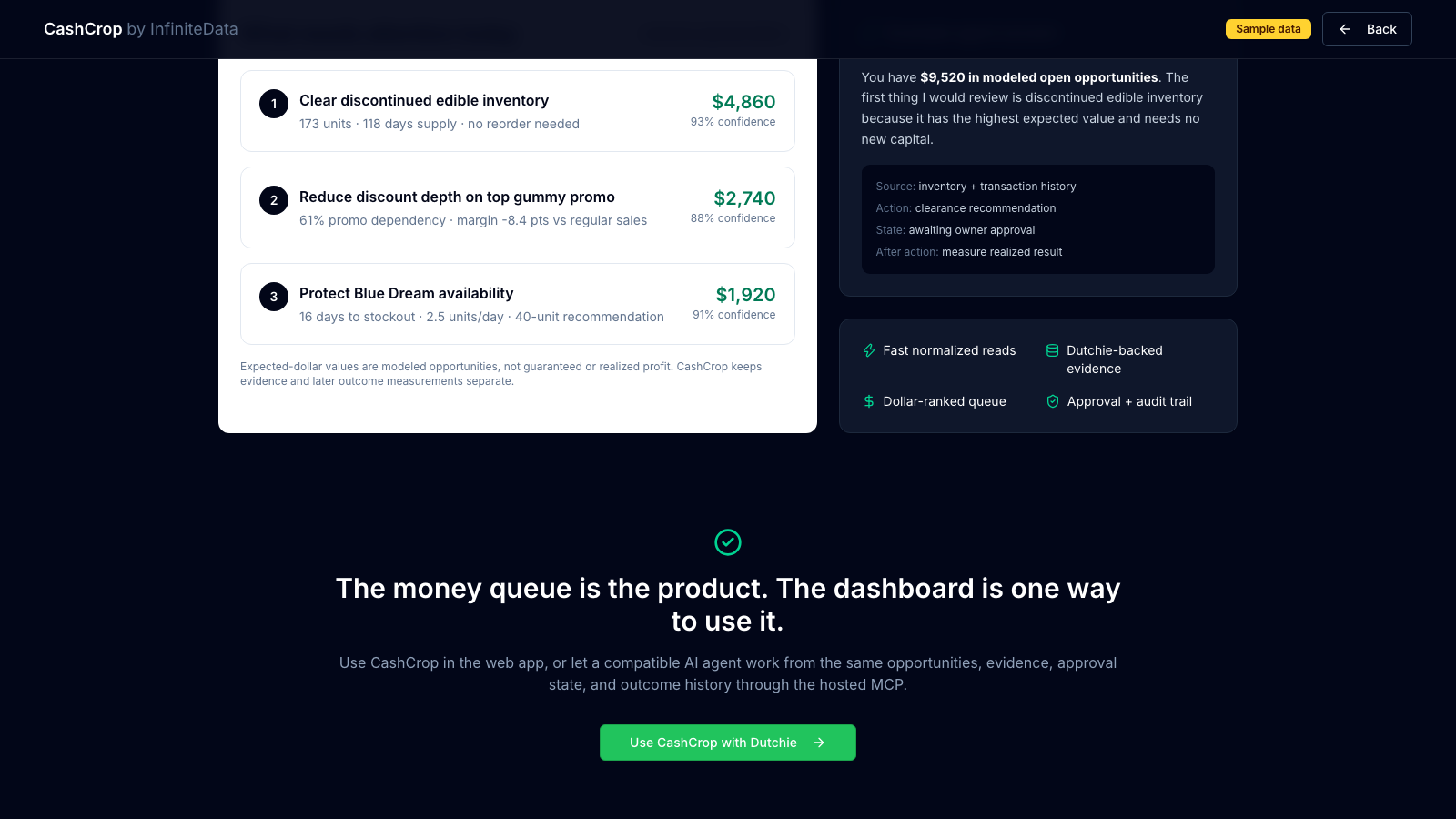
04 — Review next actionsOwner review and after-action measurement are distinct from claimed realized profit.
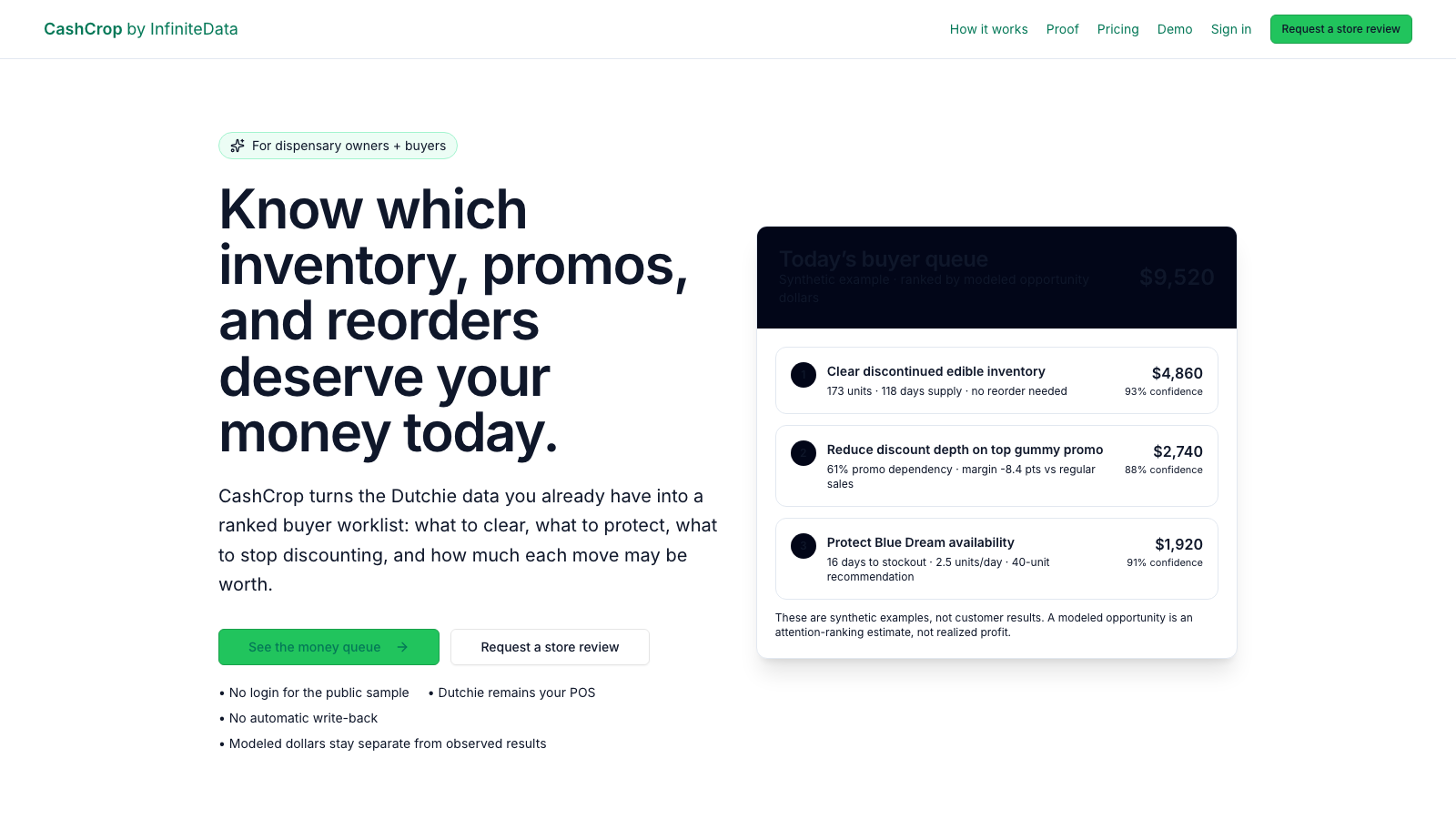
05 — CashCrop public landingPublished product explanation, separate from the private authenticated application.
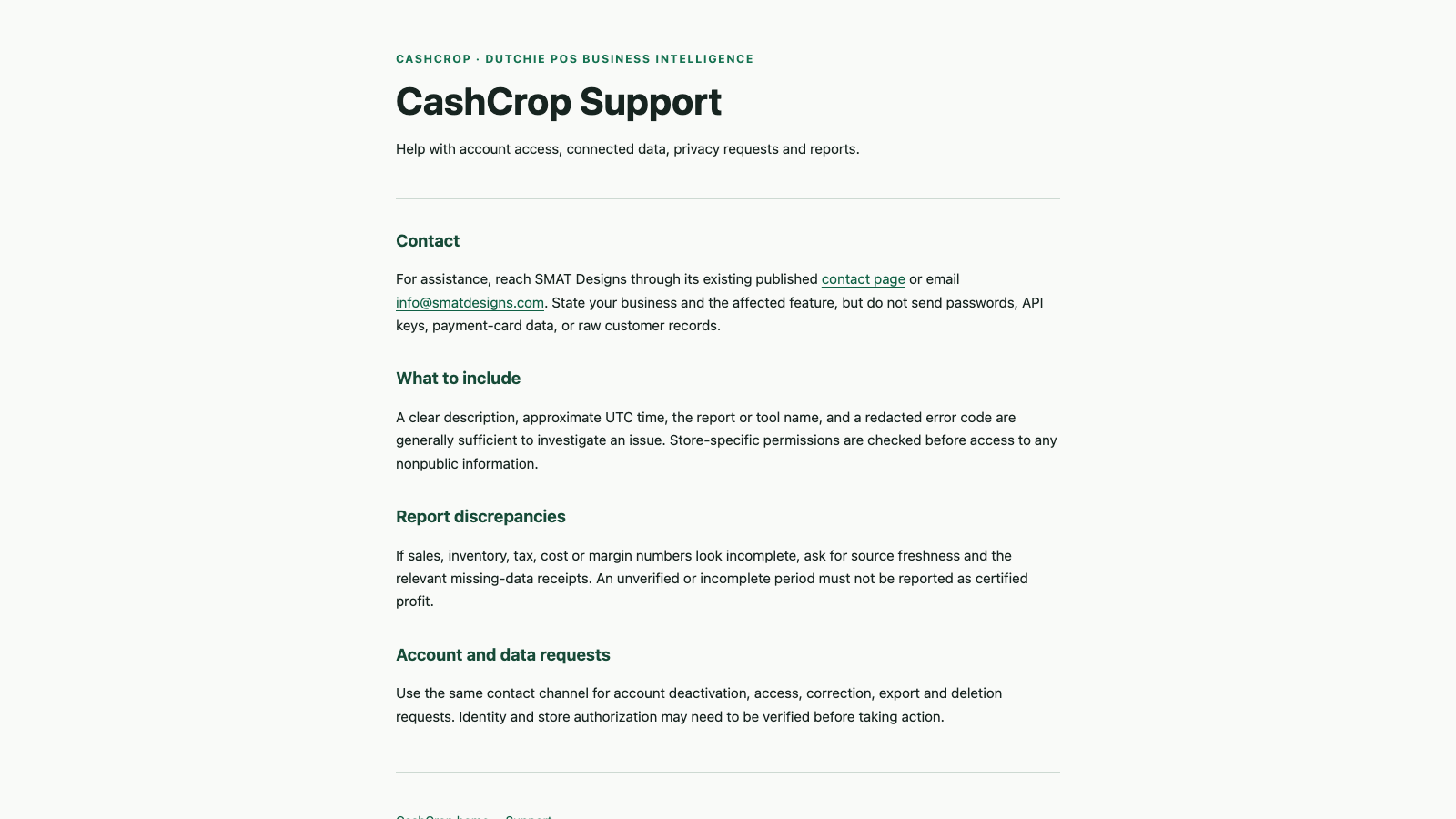
06 — Account and data supportLive public support information for access, discrepancies, and data requests.